What do technology services include?
What technology services usually include
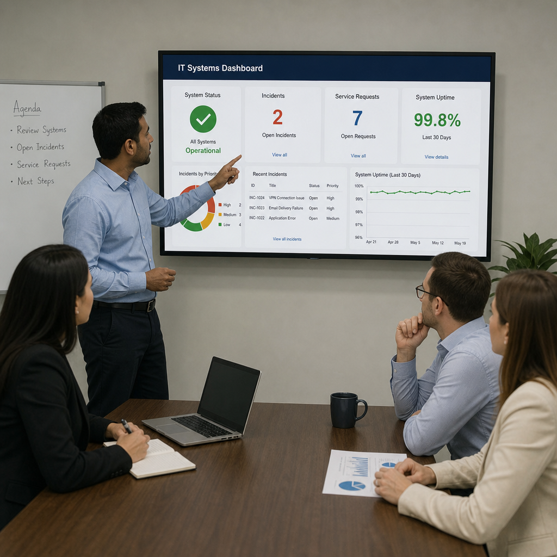
Technology services cover the planning, support, management and improvement of the systems an organisation relies on to operate. The right mix of services keeps technology reliable, secure, connected and useful for the people who depend on it every day.
Technology services include the planning, implementation, management, support and improvement of an organisation's digital tools and infrastructure. In practical terms, that can mean keeping networks stable, securing sensitive data, helping employees resolve device issues, moving systems to the cloud, building software or advising leaders on better technology decisions.
Most services fall into these broad areas:
| Service area | What it can include |
|---|---|
| Infrastructure services | Network management, device support, servers, connectivity, backups and system monitoring. |
| Application services | Software development, application support, integrations, maintenance and user experience improvements. |
| Security services | Cybersecurity services such as access control, threat monitoring, firewalls, endpoint protection and incident response. |
| Cloud and data services | Cloud computing, storage, data analytics, reporting, automation and disaster recovery. |
| Advisory services | Tech consulting that helps organisations plan investments, reduce risk and align IT solutions with business goals. |
| Managed services | Ongoing outsourced support for systems, users, infrastructure and security. |
The value is not in having more tools. It is in making sure the right tools are reliable, secure, connected and easy enough for people to use productively.
The everyday role of tech support
Tech support is often the most visible part of technology services because it directly affects employees, customers and daily operations. When a laptop will not connect, a password stops working, a printer fails or a business application crashes, responsive support keeps small issues from becoming larger slowdowns.
Good support is not only reactive. A mature support function looks for recurring issues, documents fixes, updates systems and helps users work more confidently. Over time, that can reduce ticket volume and create a smoother technology experience across the organisation.
Effective tech support may include:
- Help desk assistance for software, devices, accounts and access issues.
- Remote support for distributed teams and hybrid workplaces.
- Device setup, updates, troubleshooting and lifecycle planning.
- User training for new applications, workflows and security habits.
- Escalation paths for complex problems that require specialised expertise.
When support is easy to reach and clearly organised, people waste less time guessing who to contact or trying risky workarounds.
Core service areas that keep organisations running
Technology services work best when they are not treated as isolated tasks. Network management, security, software, cloud platforms and data systems affect one another. A change in one area can improve performance, but it can also create risk if it is not planned carefully.
Network management
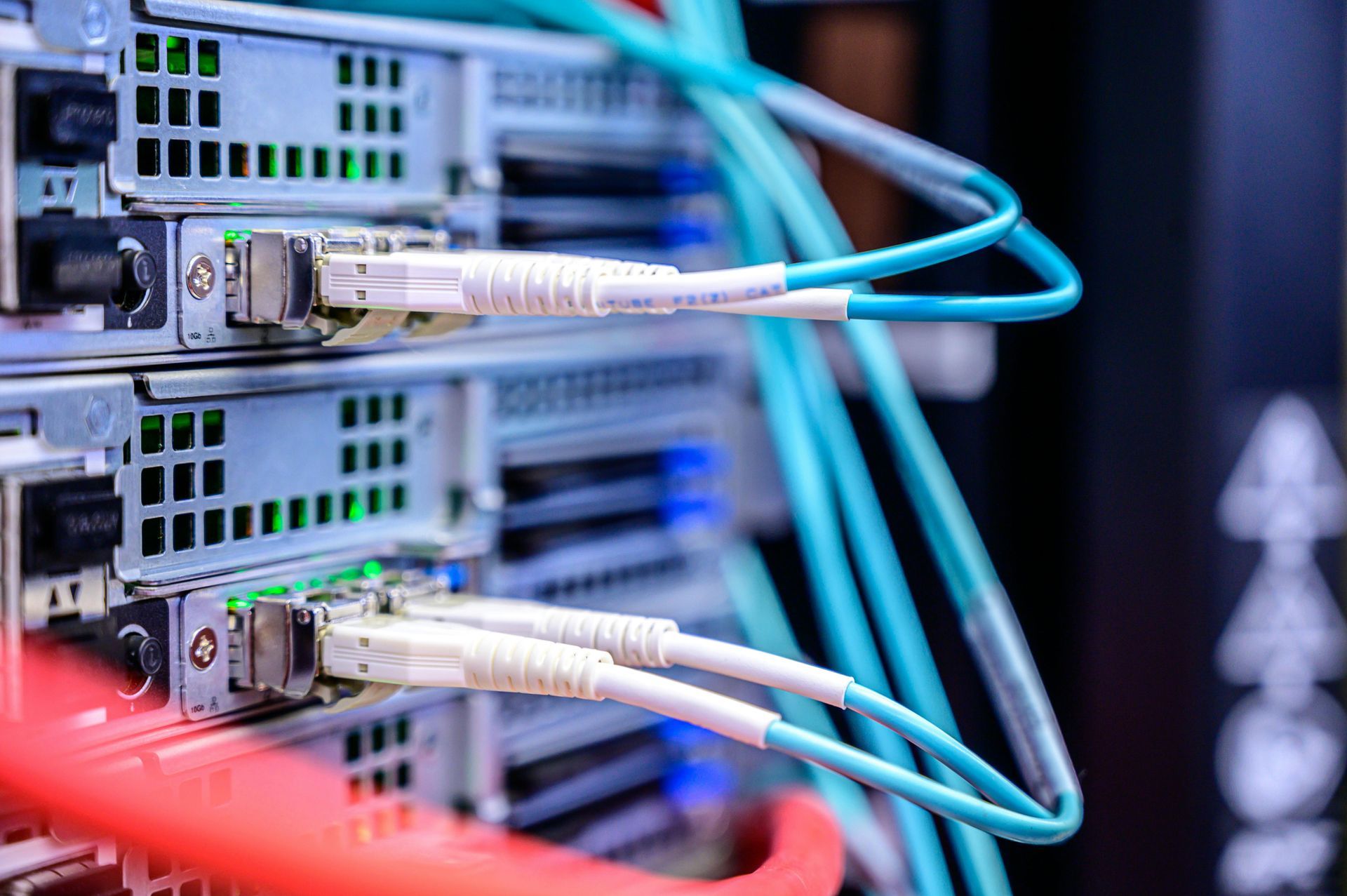
Network management keeps users, devices, applications and locations connected. It includes monitoring connectivity, managing routers and switches, optimising performance, supporting wireless access and identifying bottlenecks before they disrupt work.
For a growing organisation, the network usually becomes more complex over time. Cloud tools, remote employees, connected devices and security requirements can strain systems that once worked well. Proactive management helps maintain speed, reliability and visibility.
Cloud computing
Cloud computing gives organisations flexible access to infrastructure, platforms, software, storage and collaboration tools without relying only on local hardware. It can support remote work, faster deployment, easier scaling and stronger continuity planning when managed correctly.
Cloud success depends on thoughtful configuration. Poor access controls, unmanaged costs, scattered file storage and unclear backup practices can create confusion. Strong cloud services help organisations choose the right platforms, migrate carefully, secure accounts and manage ongoing use.
Cybersecurity services
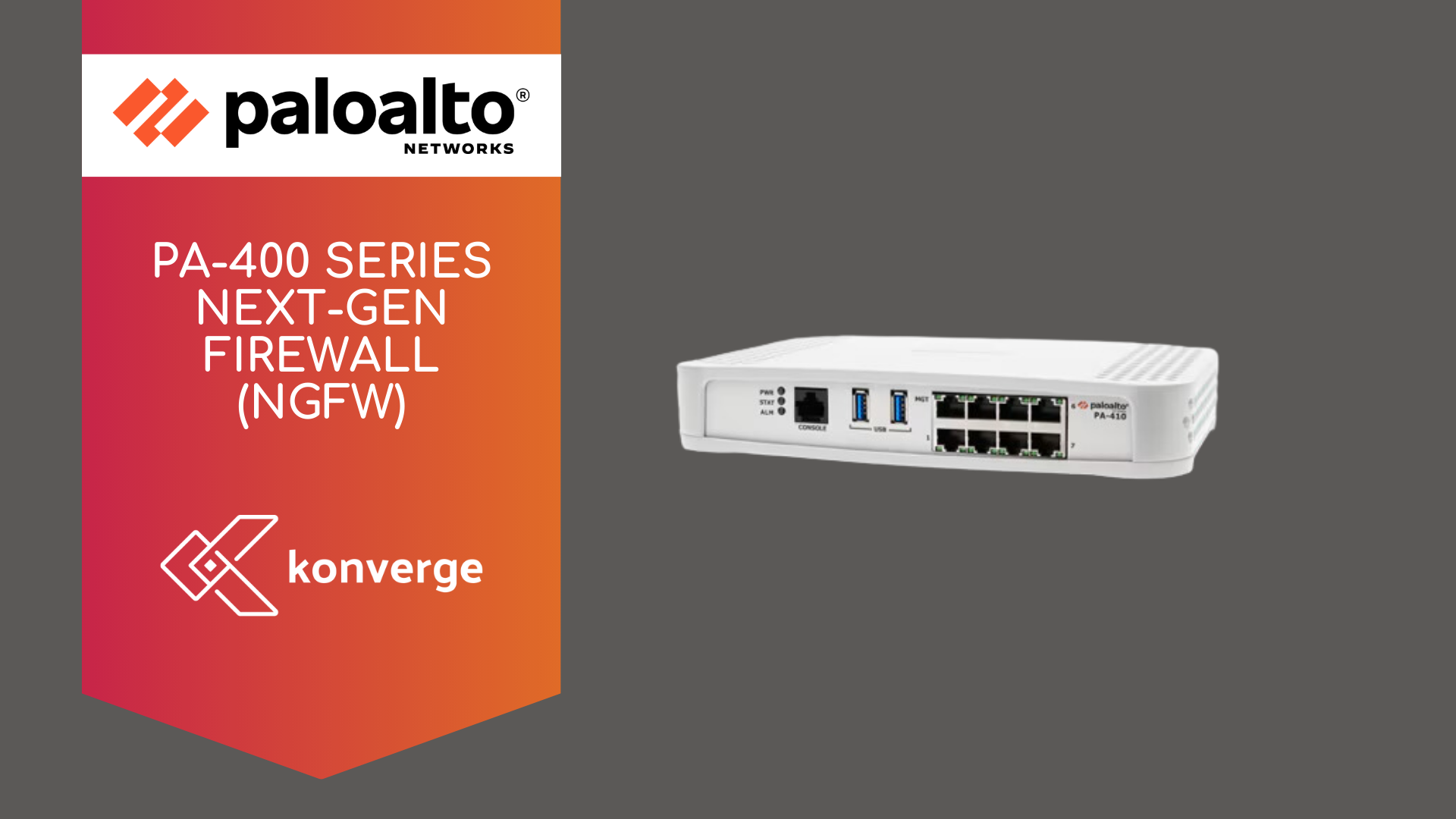
Cybersecurity services protect systems, data, users and operations from digital threats. They can include endpoint protection, identity management, vulnerability assessments, monitoring, email security, security awareness training, backup planning and incident response.
Security is not a one-time setup. New users, applications, remote access, vendor systems and changing threats all create moving parts. A practical cybersecurity approach focuses on layered protection, clear policies, fast detection and recovery planning.
Software development
Software development helps organisations create or customise digital tools that match their workflows. That might include a customer portal, internal dashboard, mobile app, automation tool, data integration or modernisation of older software.
Custom development is most valuable when it solves a clear operational problem. Well-planned software can reduce manual work, connect systems, improve reporting or create a better customer experience.
Data analytics
Data analytics turns information into insight. It helps teams understand performance, identify trends, forecast needs, improve operations and make more confident decisions. This may involve dashboards, reporting tools, data cleanup, integrations and analytics strategy.
The challenge is that data often lives in separate systems. Sales, finance, service, marketing and operations may all track different pieces of the story. Technology services can bring that information together so leaders can see what is happening and respond faster.
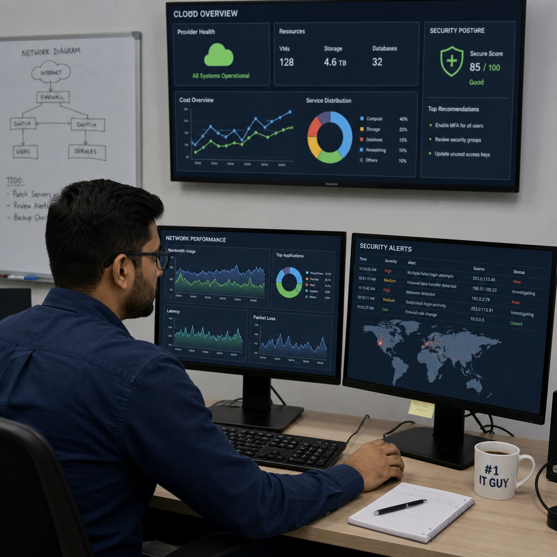
Why reliable tech support matters
Reliable tech support matters because technology problems affect productivity, security, customer experience and employee morale. When support is slow or inconsistent, teams lose time, security gaps remain open longer and simple tasks become frustrating. When support is organised and proactive, people can focus on their work instead of fighting the tools they need.
The business impact often appears in ordinary moments. A sales team needs secure access to customer information before a meeting. A finance team needs systems available during reporting deadlines. A field employee needs a cloud app to sync correctly from a remote location. In each case, reliable IT solutions help keep work moving.
Strong support can also improve security. Many incidents begin with ordinary user issues, such as suspicious emails, weak passwords, outdated devices or unauthorised access requests. A responsive support team can spot patterns, educate users and escalate risks before they spread.
Managed services create consistency and focus
Managed services give organisations ongoing access to IT expertise without requiring every skill to be hired internally. Instead of waiting for something to break, a managed services provider can monitor systems, maintain infrastructure, support users, manage backups, update software and help plan improvements.
This model is useful when technology needs are broad but internal resources are limited. A small internal team may understand the business well but lack time for 24/7 monitoring, advanced cybersecurity services, cloud administration or specialised network management. Managed services can fill those gaps while internal staff focus on strategic priorities.
Common managed service responsibilities include:
- Monitoring servers, networks, applications and endpoints.
- Managing patches, updates, backups and security tools.
- Providing help desk and remote tech support.
- Supporting onboarding, offboarding and access changes.
- Reviewing system health and recommending improvements.
- Coordinating vendors, licences and technology documentation.
The key benefit is consistency. When maintenance, support and monitoring follow a clear process, organisations are less likely to be surprised by avoidable failures.
Tech consulting connects technology to business goals
Tech consulting helps leaders make better technology decisions before they commit money, time or trust. Consultants may assess current systems, identify risks, compare solution options, plan migrations, recommend security improvements or design a roadmap for digital transformation.
This matters because many technology choices have long-term consequences. A platform that seems simple today may become difficult to scale. A quick integration may create data quality problems later. A low-cost tool may lack the controls needed for compliance or security.
Practical tech consulting should produce clarity, not jargon. A useful consultant explains trade-offs, prioritises needs and helps the organisation decide what to do now, what to defer and what to avoid.
A simple consulting engagement might help answer:
- Which systems are causing the most friction or risk?
- Which improvements will have the clearest operational impact?
- What should be handled internally, and what should be outsourced?
- How should cloud, security, software and data initiatives fit together?
- What steps will reduce disruption during implementation?
In-house, outsourced or hybrid support
The right support model depends on complexity, budget, risk and internal capacity. There is no single answer for every organisation. Many businesses use a hybrid model, keeping strategic ownership in-house while relying on outside specialists for managed services, cybersecurity, cloud computing or project work.
Use these criteria to guide the decision:
- Choose in-house support when you need deep institutional knowledge, frequent hands-on work or close collaboration with leadership and operations.
- Choose outsourced support when you need specialised expertise, predictable coverage, scalable staffing or support that would be difficult to hire directly.
- Choose a hybrid model when you have internal IT leadership but need extra capacity for monitoring, security, help desk coverage, migrations or software development.
The most important factor is accountability. Whether support is internal, external or mixed, responsibilities should be clear. Users should know where to go for help, leaders should know who owns each system and service expectations should be documented.
How integrated IT solutions support growth
Integrated IT solutions help organisations avoid disconnected tools. A cloud platform may improve flexibility, but it still needs security controls. A new application may improve workflows, but it may also need data integrations. A reporting dashboard may look impressive, but it needs accurate and well-governed data behind it.
When technology services are planned together, each part strengthens the others. For example, a growing company might move file storage and collaboration to the cloud, improve identity security, build a custom workflow tool and use data analytics to track performance. Those efforts work better when cloud computing, cybersecurity services, software development and support teams coordinate from the beginning.
This integrated approach can also support innovation. Teams can test new ideas faster when infrastructure is flexible, data is accessible and security is built into the process. Instead of treating IT as a repair function, the organisation uses technology as a platform for better service, smarter operations and future growth.
A practical checklist for evaluating technology services
Before investing in new services or changing providers, define what success should look like. Clear expectations make it easier to compare options and avoid buying tools that do not solve the real problem.
Use this checklist as a starting point:
- Identify the systems that are most critical to daily operations.
- List recurring technology problems and their business impact.
- Review current security controls, backup practices and access policies.
- Document who owns each application, device, vendor and support process.
- Decide which services need immediate attention and which can wait.
- Look for providers or internal roles that communicate clearly and document their work.
- ·Make sure proposed IT solutions can scale with users, locations, data and compliance needs.
- Ask how performance, support quality and security improvements will be reviewed over time.
This process turns a broad technology conversation into a practical plan.
The future of technology services is more proactive
Technology services are moving away from simple break-fix support and toward proactive management. Automation, artificial intelligence (AI), machine learning and advanced analytics can help teams detect unusual activity, predict maintenance needs, summarise support trends and improve decision-making.
These tools do not replace human judgement. They make strong teams more effective by surfacing patterns and speeding up routine work. The organisations that benefit most will combine modern tools with clear processes, responsible security practices and practical support for real users.
Key takeaway
Technology services are most valuable when they make work easier, safer and more adaptable. Tech support keeps people productive, network management and cloud computing keep systems available, cybersecurity services reduce risk, software development improves workflows and data analytics helps leaders make better decisions.
The best approach is not to buy every tool or outsource every function. It is to understand the organisation's needs, choose services that solve real problems and build a support model that can grow with the business. With the right mix of managed services, tech consulting and practical IT solutions, technology becomes less of a burden and more of a reliable foundation for progress.
| Next step |
|---|
| Review your current support model, risk profile and internal capacity before choosing a technology services provider. A clear starting point makes every later decision easier to defend. |